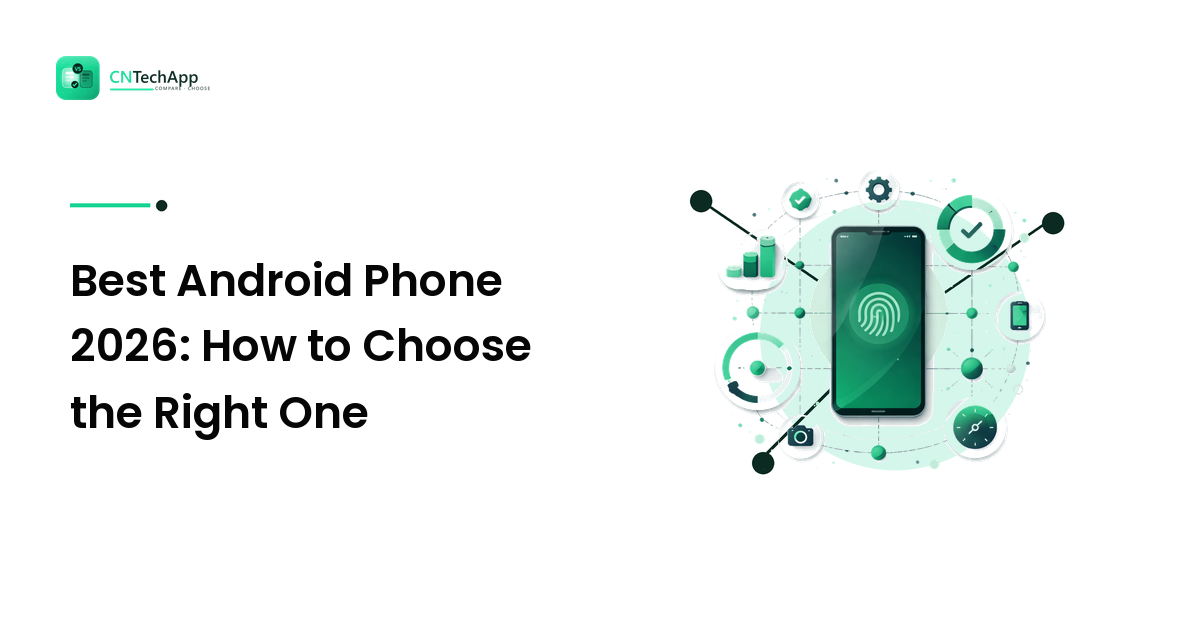
There is no single best Android phone in 2026 that wins for everyone — and any guide that crowns one is selling you something. The honest answer is that the best Android phone for you is the one whose strengths line up with the three or four things you actually do on your phone every day. A heavy mobile gamer, a photo-obsessed parent, and someone who just wants reliable calls and messages should each buy a different device, even at the same price.
This is a vendor-neutral buying guide with the reasoning behind every point: the specs that genuinely matter in 2026, how budget, mid-range, and flagship phones really differ, and a short method for matching an Android phone to your life so you don't overpay for features you'll never touch.
What Makes the Best Android Phone in 2026?
"Best" only means something once you decide best at what. Before you compare a single model, rank these five factors by how much they matter to you — that ranking is your real buying guide.
- Software support length. This is the most underrated factor in 2026. The leading Android makers now promise several years of OS and security updates, and a phone that stops getting updates is a phone you'll want to replace early. A mid-range device with long support can outlast a flashier one that's abandoned after two years.
- Battery and charging. For most people this beats raw speed. All-day battery, efficient performance, and fast charging matter far more day to day than a benchmark score you'll never notice.
- Camera that fits your habits. Don't buy megapixels — buy the kind of shots you take. Low-light, zoom, and video steadiness vary a lot between phones and price tiers.
- Performance headroom. Enough chip and memory to stay smooth for years. Gamers and heavy multitaskers need more; casual users need surprisingly little.
- Screen and build. A bright, smooth display and durable, water-resistant build make a phone pleasant to live with every day.
If you can only remember one rule from this guide: pick the phone that's strongest in your top two categories, and stop worrying about the rest.
Match the Phone to How You Actually Use It
Android's biggest advantage is choice — you can spend a little or a lot and still get a good phone. The trick is buying into the right tier for your needs, because the jump in price between tiers buys very specific things.
| Budget | Mid-range | Flagship | |
|---|---|---|---|
| Best for | Calls, messaging, browsing, light apps | Most people — the sweet spot | Power users, serious photography, gaming |
| Performance | Fine for the basics | Smooth for years | Fastest available |
| Camera | Good in daylight | Very good, some low-light | Best-in-class, strong zoom and video |
| Update support | Often shorter | Frequently long now | Longest |
| The trade | Saves the most money | Best value overall | You pay a lot for the last 10% |
For a majority of buyers, a solid mid-range Android is the best value in 2026: it stays fast, takes very good photos, and increasingly ships with long update commitments that used to be flagship-only. Step up to a flagship only if a specific need — pro-level camera, high-end gaming, or the longest possible support window — justifies the premium. Drop to budget if your phone life is genuinely calls, messages, maps, and a handful of apps.
Specs That Matter — and the Ones That Don't
Spec sheets are designed to make you compare the wrong things. Here's what actually affects daily use.
Worth your attention: the amount of RAM (enough to keep apps open without reloading), storage you won't outgrow (and whether it's expandable), battery capacity paired with an efficient chip, screen brightness for outdoor use, and the update policy. These shape how the phone feels a year from now.
Usually oversold: headline megapixel counts, peak benchmark numbers, and the sheer number of rear cameras. A phone with three mediocre lenses is not better than one with two excellent ones. Judge photos by real sample images at your price, not by the number on the box — a habit that saves you from paying for marketing.
One practical tip before you switch: whatever you buy, back up your old phone first so your photos, messages, and app data move across cleanly instead of getting stranded on a device you're about to trade in.
Best Apps to Learn Languages on Your New Phone
A new Android phone is a great excuse to put its screen to better use, and language learning is one of the best returns on that screen time. The strongest language apps share a few traits: short daily lessons that build a habit, speaking and listening practice rather than just multiple-choice, and an offline mode so you can learn on a commute. Look for a free tier generous enough to test whether the app's teaching style clicks with you before paying, and prefer one that fits your goal — travel phrases, exam prep, or real conversation are different jobs. Whichever you pick, a ten-minute daily streak beats an hour once a week.
App Reviews for Money: What's Real and What's a Trap
"Get paid to review apps" is a common search, so here's the honest version. Some legitimate market-research panels and beta-testing programs do pay small amounts or gift cards for genuine feedback on apps. The catch: real payouts are modest, and the space is crowded with scams. Treat any "review apps for money" offer with caution — never pay a fee to join, never hand over banking passwords or one-time codes, and be suspicious of promises of large, fast earnings. A safe rule: if an offer needs your money or your login credentials up front, it isn't a job, it's a trap.
Android: How to Take a Screenshot
Screenshots are one of those everyday basics worth knowing on a new phone. On almost every Android device:
- Press and hold the Power (Side) button and the Volume Down button at the same time.
- Release when the screen flashes — the screenshot saves to your Photos or Gallery.
- Tap the preview thumbnail to crop, mark up, or share it right away.
Many phones also support a palm swipe across the screen or a three-finger swipe down — check your gestures settings to turn those on if the button combo is awkward.
iOS: How to Clear an App's Cache
Switching households often means an iPhone in the mix, so here's the companion tip. iOS doesn't offer a single "clear cache" button like Android does. Instead:
- Open Settings > General > iPhone Storage, tap the app, and choose Offload App to clear its temporary files while keeping your data, then reinstall it.
- For browsers like Safari, go to Settings > Safari > Clear History and Website Data.
- For a stubborn app, deleting and reinstalling it is the most thorough reset.
Offloading is the gentlest option because it frees space without wiping your documents and settings.
Windows: How to Take a Screenshot
Your new phone probably syncs with a laptop, so it helps to know the desktop version too. On Windows:
- Press Windows + Shift + S to open the Snipping Tool, then drag to capture any region — it copies to your clipboard.
- Press PrtScn to capture the whole screen, or Alt + PrtScn for just the active window.
- Press Windows + PrtScn to save a full-screen shot straight to your Pictures > Screenshots folder.
The Windows + Shift + S combo is the one worth memorizing — it's the most flexible and lets you grab exactly the area you want.
Frequently Asked Questions
What is the best Android phone in 2026?
There isn't one best Android phone for everyone in 2026 — the right choice depends on your priorities. Rank battery, camera, performance, and update support by how much each matters to you, then buy the phone that's strongest in your top two. For most people a well-reviewed mid-range Android offers the best value.
Is a mid-range Android phone good enough?
For the majority of buyers, yes. Modern mid-range phones stay smooth for years, take very good photos, and increasingly include long software-update commitments that were once flagship-only. Step up to a flagship only when a specific need — pro photography, heavy gaming, or the longest support window — justifies the extra cost.
How many years of updates should an Android phone get?
Aim for a phone with several years of guaranteed OS and security updates. Longer support means the phone stays safe and current, so you replace it because you want to, not because it was abandoned. Check the maker's stated update policy before buying, since it varies widely.
Do more megapixels mean a better camera?
No. Megapixel counts are one of the most oversold specs. Image quality depends more on the sensor, lens, and software processing than on the headline number. Compare real sample photos at your budget — especially low-light and zoom shots — rather than trusting the figure on the box.
Should I buy a flagship or save money?
Buy a flagship only if you'll actually use its strengths — the best camera, top gaming performance, or the longest updates. Otherwise a mid-range phone gives most of the experience for far less. Decide what you do most on your phone first, then pay for those strengths and nothing else.
The Bottom Line
The best Android phone in 2026 isn't the one with the longest spec sheet — it's the one whose strengths match how you actually use your phone. Rank what matters to you, pick the price tier that fits those needs, and judge cameras and performance by real-world results rather than marketing numbers. Get that method right and a mid-range phone often beats an overpriced flagship for the way you really live. When you're ready to compare specific models and app picks side by side, explore the guides at CNTechApp and choose with confidence.