You've got five minutes in a waiting room, or a lunch break at a work laptop you can't install anything on, and you want to play a quick game. The usual route — open an app store, download a few hundred megabytes, make an account, wait for updates — is more effort than the break is worth. There's a simpler option most people forget: games that just run in your browser tab, no install at all. This guide explains, in plain language, how instant-play web games work, why they're handy on a locked-down laptop or an older phone, and what to check before you play.
The short version: a browser game loads like any web page and plays inside the tab. Nothing lands on your storage beyond the temporary files any website uses, no account is required to start, and closing the tab is the whole "uninstall." Understanding that makes it easy to spot a good site from a sketchy one.
What "instant-play" actually means
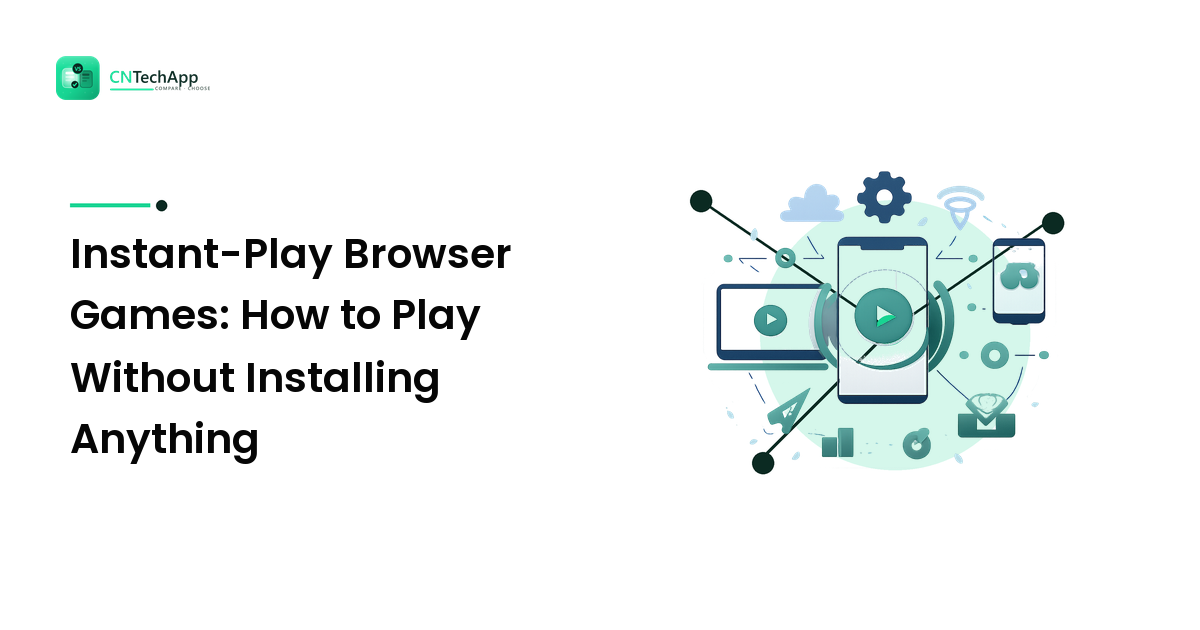
A traditional mobile or PC game is a program you download and install: it copies files onto your device and takes up storage until you remove it. An instant-play browser game skips all of that. It's built with standard web technology — HTML5, JavaScript, and the browser's built-in graphics — so the same page that shows you text and images can also run a playable game.
When you open the game's page, your browser downloads just enough to run it right now, keeps it in temporary cache, and plays it in the tab. There's no app icon on your home screen, no entry in your installed-apps list, and no background updates. Modern browsers on phones and laptops already include everything needed to run these games — which is the quiet reason they work almost everywhere: the "player" is already installed. It's your browser.
Why they're handy on a work laptop or older phone
This is where instant-play earns its place, and it comes down to a few practical wins:
- No storage hit. Nothing installs, so a nearly-full phone or a small-drive laptop doesn't lose space. If low storage is already making your device sluggish, our guide on why your phone gets slow and how to fix it covers the same principle — fewer installed apps, more breathing room.
- Works on locked-down machines. A work or school computer often blocks app installs, but a web page in a browser usually isn't blocked the same way — so a browser game plays where an installed one can't.
- Kind to older devices. An aging phone that struggles to install and update heavy apps can still open a lightweight web game in a tab, because the browser does the heavy lifting.
- Cross-device by default. The same link opens on Android, iPhone, Windows, or Mac — no separate download per platform, no "not available for your device."
- Nothing to uninstall. Done playing? Close the tab. No leftover app, no lingering account, no cleanup.
None of this makes installed games pointless — a big, graphically rich title still belongs as a proper install. But for a quick round on a break, browser games remove almost all the friction.
What to look for before you play
Not every "free online games" site is worth your tap, and the differences are easy to check up front. Apply the same buyer's instinct you'd use for any app:
- It genuinely runs in the browser — no "download our launcher" step. If a site pushes an installer, it isn't really instant-play.
- No account needed to start. The best sites let you play immediately; sign-ups should be optional, for saving progress at most.
- Sensible ads and no fake buttons. Free sites often show ads, which is fair — but watch for disguised "Download" or "Play" buttons that are actually ads.
- Reasonable permissions. A simple browser game rarely needs your location, microphone, or contacts. If a page asks, be cautious.
- Clean, family-friendly content — especially if kids share the device. Skip anything wandering into gambling or unsuitable material.
If you'd like a free option that fits this checklist, PlayGamesNow is a browser-based games portal built around instant play — games load in the tab with no install and no account to get started, which is exactly the low-friction design that makes web games worth keeping a bookmark for. As with any site, glance at the checks above before settling on a favorite.
Getting the best experience
A few small habits make browser games run smoother. Use an up-to-date browser — an old version is the most common reason a game stutters or won't load. On a phone, turning it sideways gives most games more room, and closing other heavy tabs frees up memory. Because these games live at a web address, you can bookmark a favorite and jump straight back in next break — no home-screen clutter required.
FAQ
Do I need to install anything to play browser games? No — that's the whole point. Instant-play games run inside your browser tab using technology the browser already includes, so nothing installs to your device and there's nothing to uninstall afterward. If a site insists you download a launcher or app, it isn't a true instant-play game.
Are free browser games safe to play? The games themselves are low-risk because they run in the browser's sandbox and can't quietly install software on your device. The real things to watch are misleading ads (fake "Download" buttons) and any page asking for unnecessary permissions or personal details. Stick to reputable sites and don't enter personal information to play a casual game.
Will browser games work on my old phone or a work laptop? Usually, yes. Because they run in the browser rather than installing, they sidestep the storage limits of a full phone and the install blocks common on work or school computers. An older device that struggles with heavy app downloads can often still open a lightweight web game in a tab. If one runs slowly, an out-of-date browser or too many open tabs is the usual cause.
The bottom line
Instant-play browser games strip a quick round down to its essentials: open a tab, play, close it. No storage lost, no account made, no install to regret — which is exactly why they suit a locked-down work laptop, an older phone, or any device you'd rather not clutter. Pick a site that truly runs in the browser and keeps the content clean, and you've got a five-minute break sorted anywhere. For a free starting point, load a game on PlayGamesNow to see how it runs on your device, then bookmark it for the next queue or coffee break.