You've probably watched someone hold their phone near a small card and — without an app store, without typing, without a QR code to focus on — a contact screen just appears. No paper changed hands. That's a NFC digital business card, and the technology behind it is the same one that already lives in your phone for tap-to-pay. This guide explains, in plain language, how the tap works, what's stored where, and when one of these cards beats a stack of paper.
The short version: an NFC card holds a tiny chip that whispers a web link to any phone held close to it. That link opens your digital profile — name, number, email, socials, whatever you choose. Nothing is "installed" on the other person's phone, and they don't need the same card or app you have. That's the whole trick, and understanding it makes it easy to pick a good one.
What NFC actually is
NFC stands for Near Field Communication — a short-range wireless standard (think a couple of centimetres, not across the room) that lets two devices swap a small burst of data when they almost touch. Your phone already uses it every time you tap to pay or scan a transit pass. Modern iPhones and most Android phones have an NFC reader built in and switched on by default, which is the quiet reason these cards work at all: the reader is already in nearly everyone's pocket.
An NFC business card is simply a plastic or metal card (sometimes a sticker, keyring, or phone case) with a passive NFC chip inside. "Passive" matters — the chip has no battery. It does nothing until another phone's NFC reader powers it wirelessly for a split second, just long enough to read what's on it. That's why the card never needs charging and never really wears out from normal use.
What the tap really shares
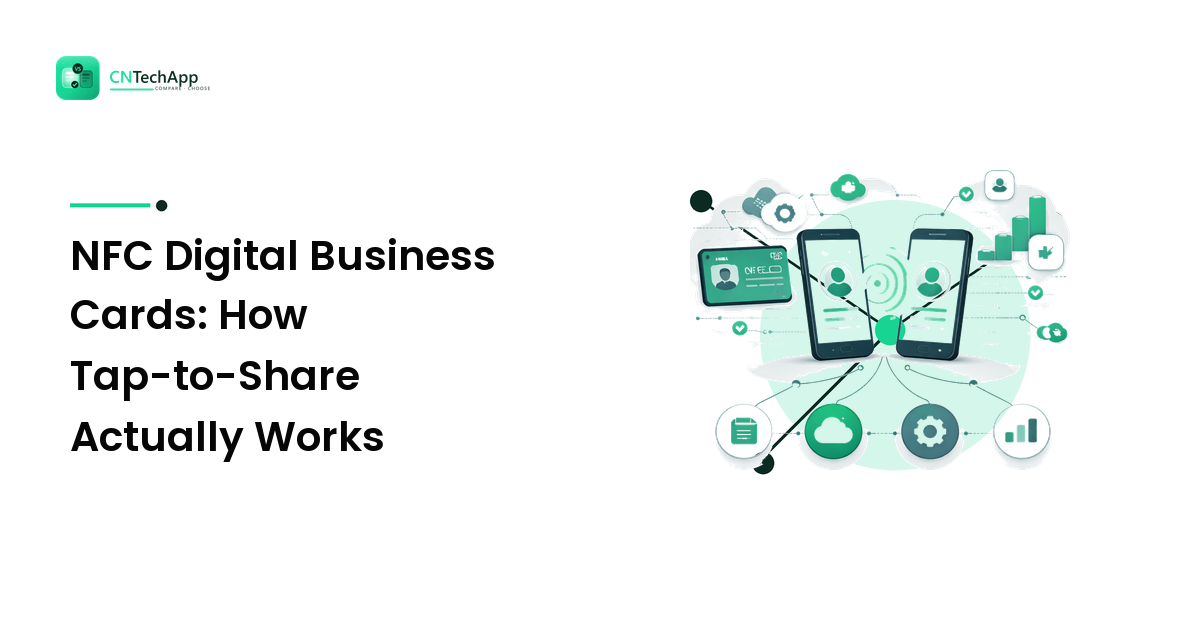
Here's the part that surprises people: the chip itself usually stores almost nothing — just a URL. When someone taps their phone to your card, the chip hands over that web address, the phone shows a notification, they tap it, and a browser opens your profile page. That page is where the real content lives: your photo, job title, phone number, email, website, WhatsApp, Instagram, a "Save contact" button, maybe a payment link or a Google review link.
Because your details live at a web address rather than on the chip, you can update them any time without touching the physical card. Change jobs, change your number, add a new social account — you edit the profile online and the same card now shares the new information. A paper card can't do that; the moment it's printed, it's frozen. This split — dumb chip, smart cloud profile — is the single most useful thing to understand about the whole category.
Why people are ditching paper
Paper business cards have three well-known problems: they run out, they go out of date, and most end up in a drawer or a bin. The practical case for going digital doesn't need a statistic:
- One card, unlimited shares. You never "run out" mid-conversation.
- Always current. Update once online; every future tap is correct.
- They save your contact, not a photo of a card. A tap can drop straight into their phonebook.
- Trackable, if you want it. Many profiles show how many taps and saves you got.
- Greener and cheaper over time than reprinting boxes of paper.
None of this means paper is dead — a beautifully printed card still has a place in some industries. But for anyone who meets people regularly and hates reprinting, the maths tips quickly toward digital.
What to look for in a good card
Not all NFC cards are equal, and the differences are easy to check before you buy. If you're weighing options the same way you'd weigh any app or gadget, the same buyer's instincts apply — our guide on how to choose the right mobile apps walks through that "does it actually fit how I work" mindset, and it maps neatly onto smart cards too.
Concretely, look for:
- No app required for the receiver. The person tapping should just get a web link. If they need to install anything, that's friction you'll feel at every handshake.
- A profile you fully control and can edit unlimited times without extra fees.
- A QR code backup printed on the card, for the rare older phone with NFC switched off.
- "Save to contacts" that works cleanly on both iPhone and Android.
- Sensible privacy — you decide what's public, and there are no shady trackers on your profile page.
For readers in Pakistan, OneTap Pakistan is a locally-focused option worth a look, mainly because it's built around that receiver-friendly rule above: the person you tap doesn't need the OneTap app or any account — they just get your profile in their browser. For a card that's meant to be handed to strangers, that "nothing for them to install" design is the feature that actually decides whether it works in real life.
How to use one in practice
Setup is quick. You create your profile online, add your details and links, then link the physical card to that profile (usually a one-time tap-and-confirm). After that, using it is just: hold the card near the top of someone's phone, wait for the notification, and let them tap it. On recent iPhones, NFC reading works from the lock screen; on Android, make sure NFC is enabled in Settings if a tap doesn't register. That single Settings check solves most "it didn't work" moments.
A smart NFC card earns its place because it collapses a whole ritual — dig out a card, hope it's current, hope they keep it — into one tap that lands your details directly in the other person's phone. Map out what you'd want to share on a tap, then evaluate whether a OneTap smart card fits your workflow and get started with a single profile before ordering a stack.
FAQ
Do NFC business cards work on both iPhone and Android? Yes. NFC reading is built into modern iPhones and most Android phones, and it's usually on by default. The receiver never needs your specific card or a matching app — they just get a web link. Very old phones without NFC are the only real exception, which is why a printed QR code backup on the card is handy.
Is tapping an NFC card safe — what's the catch? Honest answer: the tap itself is low-risk, but it's not magic. A passive NFC card can only hand over a web link; it can't silently install anything or pull data off the phone that taps it. The real catch is trust in the link — as with any URL, only tap cards from people or brands you recognise, and as a card owner, pick a provider that doesn't load sketchy trackers onto your public profile. If you're privacy-minded, share a work number and email rather than personal ones.
If I lose the card, does someone get all my personal data? No more than what you chose to make public on your profile — the same information you'd have handed over on paper. The card holds only a link, not a database of your life. Good providers also let you disable or re-point a lost card, so a found one can be made to show nothing.
Can I change my details later without buying a new card? Yes, and this is the main advantage over paper. Because the card only stores a link to your online profile, you edit the profile and every future tap shows the updated information — new number, new job, new socials — using the exact same physical card.