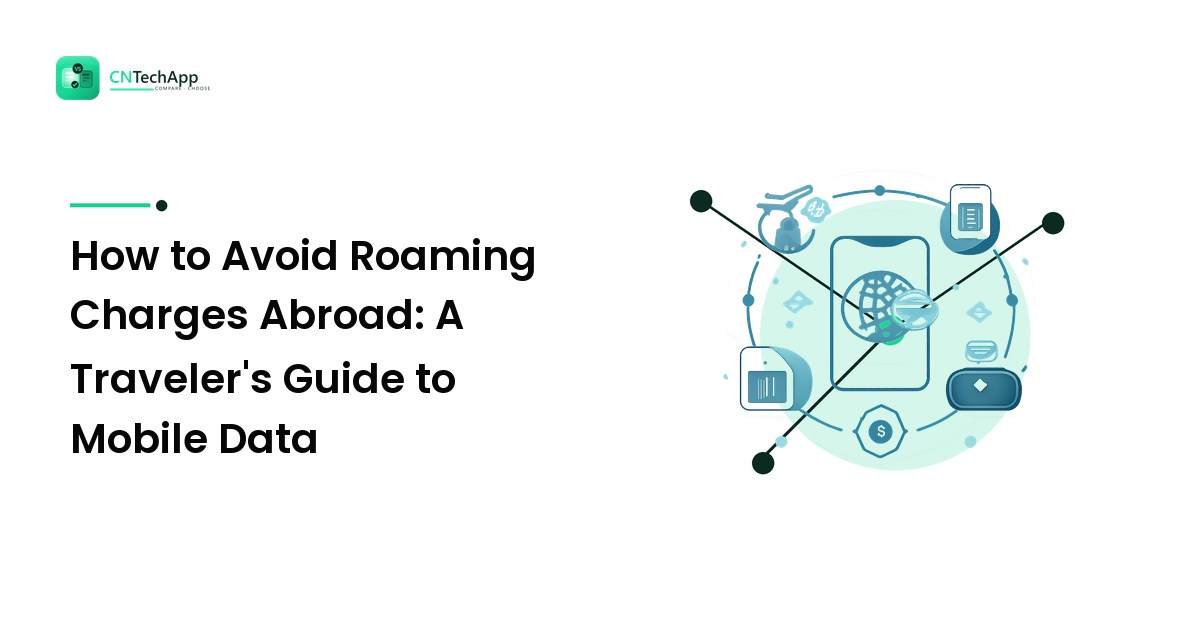
Few travel surprises sting like the text that arrives a day into your trip: "Welcome abroad — data is now charged at a painful rate per megabyte." Roaming charges are one of the last places in modern tech where you can rack up a genuinely alarming bill without meaning to. The good news is that you have several ways to stay connected abroad, most of them cheap, and picking the right one takes about ten minutes of planning before you leave.
This guide walks through your four realistic options — roaming, a local SIM, pocket Wi-Fi, and eSIMs — with the honest pros and cons of each, how eSIMs actually work, and practical tips to avoid the shock charge.
First, Understand Why Roaming Costs So Much
When you leave your home network's coverage, your phone connects to a carrier in the country you're visiting. Your home carrier pays that foreign network for the connection and then passes the cost to you — often with a hefty markup. That's roaming in a sentence: you're renting someone else's network through your own provider, and middlemen add up.
Everything below is really about avoiding that markup, either by buying a better roaming deal, connecting to a local network directly, or getting online another way entirely.
Option 1: Use Your Carrier's Roaming
The simplest option is to do nothing new — just use your existing plan abroad. Whether that's wise depends entirely on your carrier.
Pros
- Zero setup. Your number, texts, and apps keep working the moment you land.
- Some carriers now include roaming in certain regions, or sell a flat daily travel pass so you know the cost up front.
Cons
- Without an included plan or a day pass, pay-as-you-go roaming rates can be brutal, especially for data.
- Background app activity — photo backups, updates, streaming — can burn through money while your phone sits in your pocket.
When it makes sense: short trips, or carriers that bundle roaming or offer a reasonable daily pass. The golden rule is to call your carrier or check their app before you travel and know the exact terms. Never assume; assumptions are what generate the horror-story bills.
Option 2: Buy a Local SIM Card
Land at your destination, buy a physical SIM from a local carrier, swap it into your phone, and you're on their network at local prices — usually a fraction of roaming rates.
Pros
- Genuinely cheap local data, often with generous allowances.
- You get a local phone number, handy for restaurant bookings or local apps.
Cons
- Your phone must be carrier-unlocked to accept another SIM.
- You lose your usual number while the local SIM is in (your home SIM is physically out of the phone).
- Buying often means finding a shop, showing ID, and sometimes navigating a language barrier at the airport.
When it makes sense: longer stays in one country, or heavy data users who want the lowest price and don't mind a little legwork on arrival.
Option 3: Rent a Pocket Wi-Fi Device
A pocket Wi-Fi (or "MiFi") is a small battery-powered hotspot you rent for your trip. It connects to a local network and shares that connection over Wi-Fi to your devices.
Pros
- One device can connect several phones, tablets, and laptops — great for families or groups splitting the cost.
- Your phone keeps its own SIM and number; you just join the hotspot's Wi-Fi.
Cons
- It's another gadget to carry, charge, and — most annoyingly — return on time.
- Everyone has to stay near the device to have data, so it's awkward if your group splits up.
- Daily rental fees can add up, and a dead battery means everyone's offline.
When it makes sense: groups or families traveling together, or anyone who needs to get multiple devices online at once.
Option 4: Install a Travel eSIM
An eSIM ("embedded SIM") is a SIM built into your phone that you can program with a mobile plan — no physical card required. This is the option that has quietly changed international travel over the last few years, so it's worth understanding how it works.
How an eSIM Actually Works
A traditional SIM is a tiny chip you slot in and out. An eSIM is a reprogrammable chip soldered into your phone. Instead of swapping plastic, you download a plan onto it, usually like this:
- You buy a data plan from a travel eSIM provider — for a specific country or region — through an app or website before you fly.
- You receive a QR code (or a one-tap install link).
- In your phone's settings, you add the plan by scanning that code. Your phone downloads the eSIM profile over your existing internet connection.
- On arrival, you switch the eSIM on as your data line, and it connects to a local partner network.
Crucially, most modern phones support dual SIM — your normal SIM plus one or more eSIMs at the same time. That means you can keep your home number active for calls and texts while your data runs over the cheaper eSIM. If your itinerary includes Turkey, for example, you can buy an eSIM data plan for Turkey and have it installed and ready before you even reach the airport.
Pros
- Buy and install from your sofa at home; you land already connected.
- Keep your own number for calls and texts via dual SIM.
- No shops, no physical card to lose, no gadget to return.
Cons
- Your phone must support eSIM — most flagships from recent years do, but older and some budget phones don't.
- Many travel eSIMs are data-only, so you'll rely on internet-based calling and messaging apps rather than a local number.
- Plans vary in coverage and terms, so it's worth reading which local networks a plan uses.
When it makes sense: most travelers with a reasonably recent, eSIM-capable phone — especially anyone who wants to arrive connected without hunting for a shop.
Quick Comparison
| Option | Setup effort | Keep your number | Best for |
|---|---|---|---|
| Carrier roaming | None | Yes | Short trips, good travel-pass carriers |
| Local SIM | On arrival | No | Long stays, heavy data users |
| Pocket Wi-Fi | Rent in advance | Yes | Groups and multiple devices |
| Travel eSIM | Before you fly | Yes (dual SIM) | Most modern-phone travelers |
Practical Tips to Avoid Bill Shock
Whichever option you choose, a few habits keep costs down:
- Turn off data roaming before you land if you haven't arranged a plan, so nothing connects at full price by accident.
- Disable background app refresh and auto-updates, and pause automatic photo/cloud backups until you're on Wi-Fi.
- Download offline maps, playlists, and boarding passes at the hotel or airport Wi-Fi before you head out.
- Lean on Wi-Fi calling and messaging apps for staying in touch, which sidesteps expensive international call rates.
- Check your phone is unlocked and eSIM-capable well before departure, not at the gate.
- Watch your data on public networks. Hotel and café Wi-Fi is convenient but not always private — our guide to whether you need a VPN covers when that's worth caring about.
A little app housekeeping goes a long way here; if you're rethinking which apps live on your phone, our guide to choosing mobile apps can help you travel lighter.
Frequently Asked Questions
Will I get charged for roaming if I just turn my phone on abroad?
Possibly. If data roaming is enabled and you don't have an included plan or pass, your phone can start using paid roaming the moment it connects to a local network. The safe move is to turn data roaming off until you've deliberately set up whichever option you've chosen.
Do I need to cancel my home plan to use an eSIM or local SIM?
No. A local SIM temporarily replaces your physical SIM, but your home plan stays active — you just swap the card back afterward. An eSIM sits alongside your normal SIM on dual-SIM phones, so your home number keeps working for calls and texts while data runs over the eSIM.
How do I know if my phone supports eSIM?
Most flagship phones released in recent years do, but many budget and older models don't. Check your phone's settings for an option to add a mobile or cellular plan, or look up your exact model's specifications. Confirm this before you travel, since you can't add one to a phone that lacks the hardware.
Can I still make normal calls and texts on a travel eSIM?
Many travel eSIMs are data-only, meaning they don't come with a phone number for traditional calls or texts. In practice that's rarely a problem: with dual SIM you keep your home number for the occasional call, and internet-based apps handle most messaging and calls over the data connection.
The Bottom Line
You never have to accept a scary roaming bill as the price of traveling. Carrier roaming is fine when your provider offers a fair pass; a local SIM wins on price for long stays; pocket Wi-Fi suits groups; and a travel eSIM is the easiest path for most people with a modern phone, letting you land already online while keeping your own number. Decide before you fly, do a little app housekeeping, and you'll spend your trip enjoying the destination instead of watching a meter. For more plain-language guides that help you make calm, confident tech choices, explore CNTechApp.